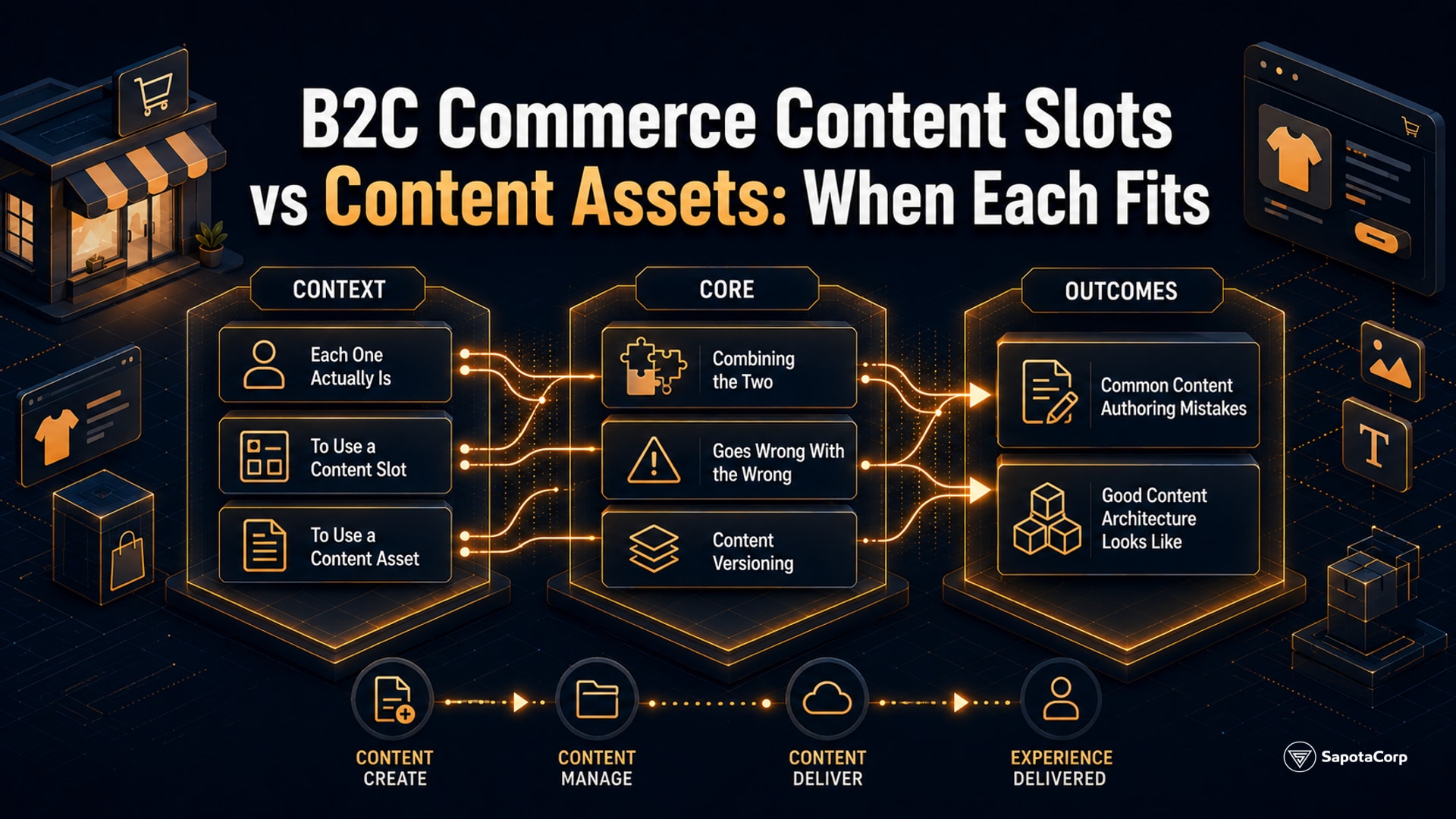
Content slots and content assets are the two merchandiser-controllable content surfaces in B2C Commerce. They look similar in Business Manager. They behave differently at render time. Picking the wrong one for a given use case produces content that cannot be A/B tested, cannot target the right audience, or cannot be reused across pages.
Sapota's Salesforce team treats slot vs asset selection as a design decision on every B2C Commerce engagement. The choice is permanent for practical purposes: migrating content from one type to the other after launch is mechanical but tedious, especially across hundreds of pieces of content.
What each one actually is
Content slot. A placeholder in an ISML template that the merchandiser fills via Business Manager. The slot has an ID and a context (global, category, folder, product). The merchandiser configures one or more slot configurations, each with rules for when to apply (date range, customer group, session attribute) and what content to render.
<isslot id="homepage-hero" description="Homepage hero banner" context="global"/>
The template defines where the slot lives. The merchandiser controls what fills it, when, and for which audience.
Content asset. A standalone piece of content with its own ID, body, and metadata. Referenced from templates via tag or accessed through URL via Page-Show?cid=.... Carries page-style attributes: title, description, body, custom attributes.
<iscontent template="content/contentstandard" cid="about-us"/>
Or directly:
Page-Show?cid=privacy-policy
A content asset is a piece of content. A content slot is a placeholder that selects which piece of content (or other rendering) to show.
When to use a content slot
Five scenarios where slot is right:
1. Same placement, different content per context. A hero banner on the homepage that should show different content for guest customers vs logged-in customers, for US visitors vs EU visitors, or during a campaign vs the default state. The slot ID stays one; the configurations vary.
2. A/B testing. The platform supports slot configuration variants with weighted distribution. Two configurations on the same slot ID, 50/50 traffic split, measured against conversion goal. Cannot do this with assets.
3. Time-bounded campaigns. A Black Friday banner that should appear from a specific start date to a specific end date, then revert to the regular banner. Slot configurations support start/end dates; assets do not.
4. Customer-segment targeting. A loyalty-tier-specific message: gold tier sees one banner, silver sees another, guest sees the generic. Slot targeting on customer group attribute handles this.
5. Category or product context. A slot rendered on category pages with category-specific configuration. Each category can have its own slot fill without duplicating the template.
The common thread: the content shown varies by who, when, where, or what. Slots provide the targeting logic.
When to use a content asset
Five scenarios where asset is right:
1. Static informational pages. About Us, Privacy Policy, Shipping Information, FAQ. The content is one canonical version, accessed by a URL, indexed by search engines.
2. Reusable content blocks. A standard call-to-action banner used on multiple pages. Define it once as an asset, reference it from each template. Updates propagate everywhere.
3. Editorial content. Blog-style posts, product story pages, brand storytelling. The asset has its own metadata, its own URL, its own SEO profile.
4. Email content. Body content for transactional or marketing emails that the merchandiser wants to edit without code changes.
5. Content that needs full HTML/markup control. Content assets support a content body with HTML editing. More flexibility than the structured content a slot configuration provides.
The common thread: the content is one canonical version, has its own identity, and benefits from being referenceable.
Combining the two
A common pattern: a slot whose configuration renders one or more content assets.
Slot ID: homepage-hero
Slot Configuration A (active for US guests):
  Renders: content asset "hero-us-default"
Slot Configuration B (active for EU guests):
  Renders: content asset "hero-eu-default"
Slot Configuration C (active during sale period):
  Renders: content asset "hero-sale-2026"
The slot provides the targeting and timing logic. The assets provide the actual content. Edits to the asset propagate to wherever the asset is rendered. The slot decides when each asset shows.
This composition is the right answer for most merchandiser-driven content: slot for placement and targeting, asset for the content itself.
What goes wrong with the wrong choice
Three failure modes from real audits:
1. Slot used for static content. A "Privacy Policy" page implemented as a slot rendered into a generic template. No direct URL for the policy. SEO suffers; users sharing the policy link have to share the parent page URL with a fragment.
The fix: rebuild as a content asset with its own URL.
2. Asset used for targeted content. A homepage banner implemented as an asset that the merchandiser hand-edits twice a week to swap between guest and member content. Edits are error-prone, no A/B testing, no targeting rules.
The fix: rebuild as a slot with multiple configurations. Asset can stay as the underlying content if merchandiser prefers HTML editing; slot orchestrates which asset to show.
3. Hardcoded content that should be either. ISML template with inline HTML for marketing copy. Developer has to change every time marketing wants to update. Should be a slot, an asset, or both.
The fix: add a slot. Migrate inline content into asset(s). Merchandiser owns updates going forward.
Content versioning
B2C Commerce does not have built-in content versioning. Edits to a slot configuration or content asset overwrite the prior state with no history. Two workarounds:
1. Naming convention with date suffixes. A new asset for each major version: hero-banner-2026-spring, hero-banner-2026-summer. The old asset stays available for reference or rollback by switching the slot configuration to point at the previous asset.
2. Cartridge-based content via metadata import. Content as code, deployed via cartridge upload. The cartridge has version control via Git. Rollback by deploying a previous cartridge version. Heavier process but full audit trail.
Most production sites use convention #1 for marketing content (high-frequency edits) and #2 for static content (low-frequency, high-importance edits like legal policies).
Common content authoring mistakes
Five patterns Sapota has seen on engagements:
1. Slot configurations never sunset. Holiday campaign slot configs from 3 years ago still exist in Business Manager. The platform evaluates them on every request. Performance and confusion compound. Archive or delete after the campaign ends.
2. Asset URLs not in sitemap. Content assets with their own URLs that never get added to the sitemap. Search engines miss them. Configure asset URLs into sitemap generation.
3. Asset bodies storing structured data. A team uses the asset body to store JSON for a sidebar widget. The body field is HTML; the JSON serialization is fragile. Use custom attributes on the asset for structured data, body for HTML content.
4. Merchandiser-only content edits without staging. Production edits made directly in production Business Manager. No staging review. Content errors hit live customers. Set up a staging realm with content replication.
5. Slot context overuse. A slot configured with global context that should be category-specific. Renders on every page. Performance overhead and inappropriate display. Use the most specific context that fits.
What good content architecture looks like
A B2C Commerce site with healthy content authoring:
- Slots used for placement and targeting.
- Assets used for reusable canonical content.
- Slot configurations time-bounded and audited quarterly.
- Asset URLs in the sitemap for indexable content.
- Staging realm for content review before production.
- Naming convention or cartridge-based versioning for rollback ability.
Sapota's Salesforce team has shipped slot-driven sites across retail, fashion, and B2B verticals. The right slot-vs-asset decisions at design time prevent the content migration project that otherwise becomes inevitable 2 years post-launch.
Designing content architecture or auditing slot and asset usage in B2C Commerce? Sapota's Salesforce team, certified on B2C Commerce Developer (Comm-Dev-101), handles content strategy, slot design, and asset organization on production engagements. Get in touch ->
See our full platform services for the stack we cover.



 B2C Commerce