ISML is the templating language B2C Commerce ships with. It looks like JSP for developers familiar with Java, like ASP for older hands, and like ERB for Ruby people. The documentation covers the syntax: isprint, isif, isloop, isinclude, isscript. What the documentation does not cover is which patterns hold up at scale and which patterns produce maintenance burden after the first thousand templates.
Sapota's Salesforce team has shipped ISML across small storefronts (50 templates) and large multi-brand realms (700+ templates). The patterns below are what we hold the line on during code review on B2C Commerce engagements.
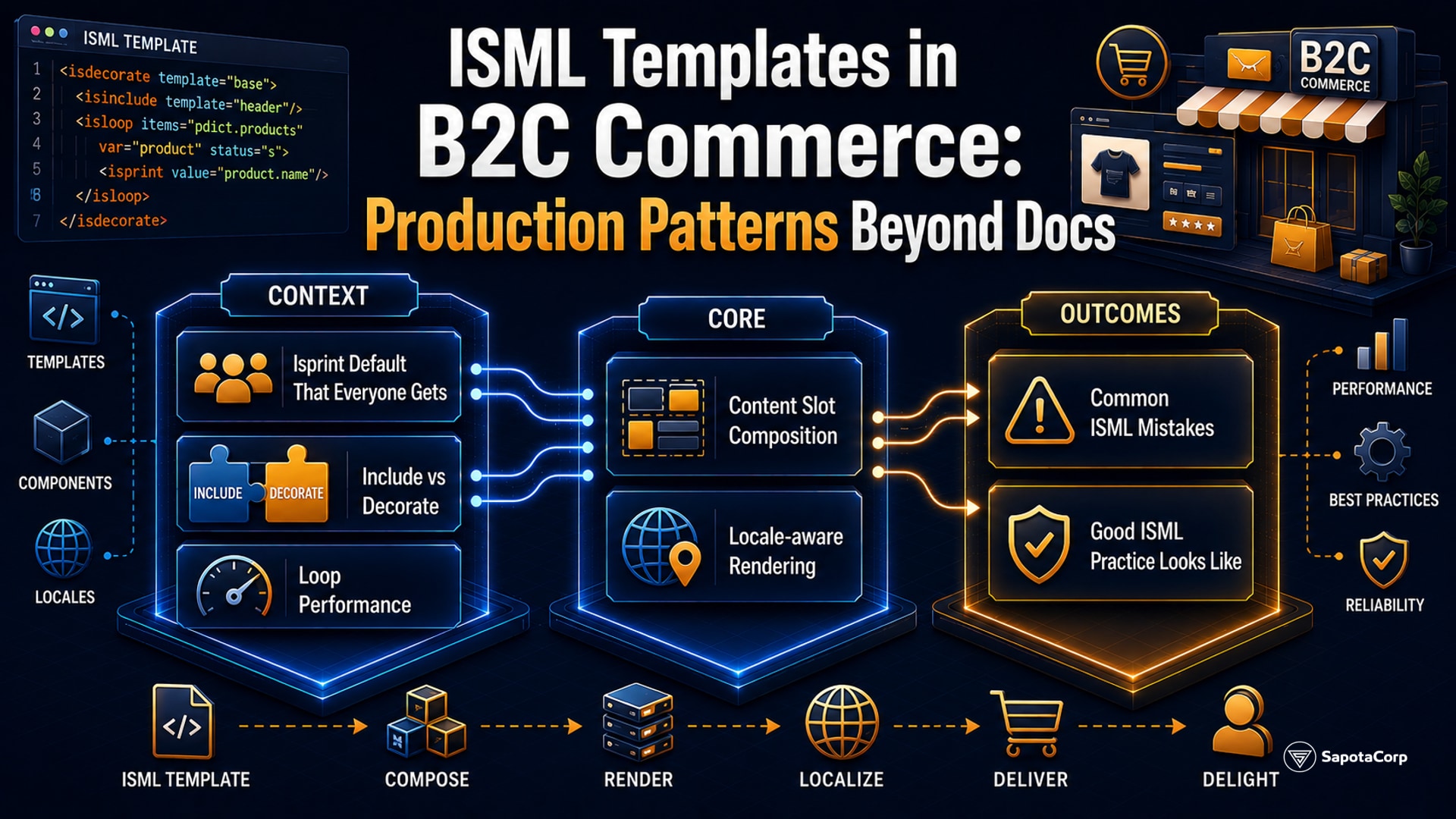
The isprint default that everyone gets wrong
The single most consequential ISML pattern is the encoding of isprint. The tag accepts an encoding attribute. The default is htmlcontent, which provides HTML escaping. This is correct for body text.
The default is wrong for these contexts:
<a href="${pdict.url}">link</a>
The url attribute requires URI encoding, not HTML encoding. The right form:
<a href="<isprint value="${pdict.url}" encoding="urlquery">">link</a>
Inside a <script> tag, neither HTML nor URL encoding is correct. JavaScript encoding is needed:
<script>
  var name = "<isprint value="${customer.firstName}" encoding="jshtml">";
</script>
The wrong encoding does not always break the page. It silently introduces XSS vulnerability or breaks edge cases (apostrophes in names, angle brackets in URLs). Every ISML code review at Sapota checks isprint encoding for context-appropriate values.
The full set of encodings:
htmlcontent (default; for body text)htmlsinglequote and htmldoublequote (for HTML attribute values)urlquery (for URL query parameters)jshtml (for JavaScript string literals inside HTML)xmlattr and xmlcontent (for XML output)off (no encoding; use only when the value is known safe)
A common audit finding: encoding="off" used to "just make it work" with no documentation. Audit and replace with the right encoding.
Include vs decorate
Two tags compose templates from smaller pieces:
<isinclude template="..."/> includes another template's output at the current position. The included template sees the parent's pdict scope.
<isdecorate template="...">...content...</isdecorate> wraps the inner content with a decorator template. The decorator template can use <isreplace/> to indicate where the inner content goes.
Use isinclude for fragments: a product card, a category navigation block, an email signature. Use isdecorate for page layouts: the header-and-footer shell that wraps every page's content.
A typical layout pattern:
<isdecorate template="common/layout/page">
  <isinclude template="components/header/navigation"/>
  <div class="main-content">
    <!-- page-specific content -->
  </div>
  <isinclude template="components/footer/footer"/>
</isdecorate>
The decorator handles HTML doctype, body tag, global scripts. The page focuses on its content. New pages reuse the decorator without re-defining the shell.
Loop performance
<isloop> iterates a collection. Common gotchas:
Iteration cap. Long loops slow page rendering. A category page rendering 200 products inside the page body without lazy-loading produces a slow first paint. Use iterator mode with explicit begin and end indices for pagination, or load additional results via AJAX.
Nested loops over related data. A loop over products containing a loop over each product's variants generates O(N*M) ISML execution. Inspect the data shape before the loop; ensure the inner collection is bounded and pre-loaded, not lazy-fetched per iteration.
Iteration metadata. <isloop> exposes loopstate (or in older syntax, internal counters). Use it for first/last styling, separators, alternating row classes. Avoid manual counter scripts.
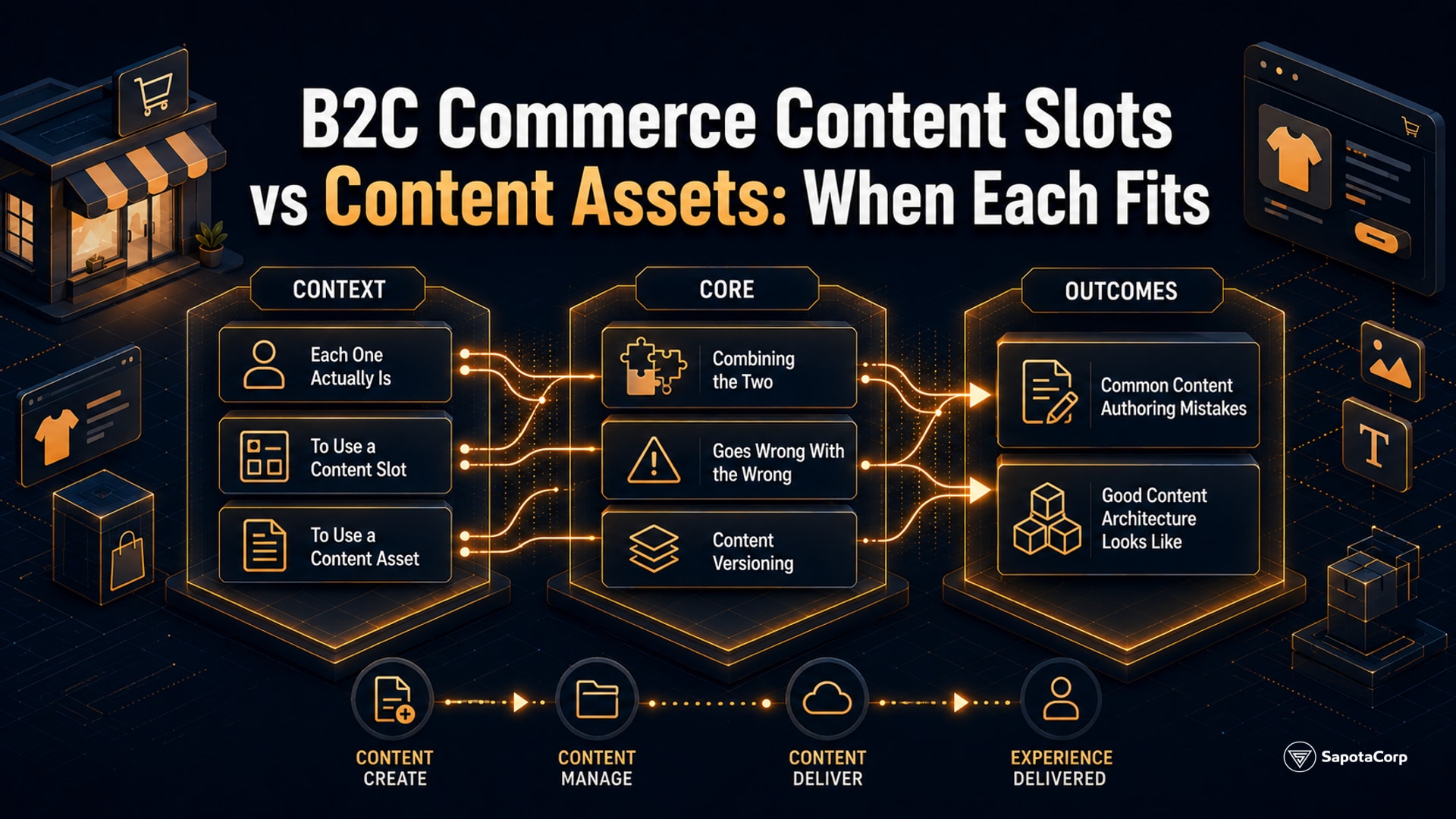
Content slot composition
Content slots are placeholders ISML templates expose for merchandiser-driven content. The template renders the slot; the merchandiser configures what fills it via Business Manager.
<isslot id="cart-recommender" description="Recommended products at cart" context="global"/>
Slot patterns that work:
One slot, multiple configurations. A single slot ID can have different content per category, per customer group, per session attribute. Configure the conditional logic in Business Manager rather than baking it into the template.
Slot composition over hardcoded HTML. When marketing requests "add a banner here," resist hardcoding the banner in the template. Add a slot. The merchandiser owns the content; the developer owns the placement.
Slot context awareness. Slots support context-aware configuration (global, category, folder, product). Use the most specific context that fits the use case; avoid global slots for content that is genuinely category-specific.
Locale-aware rendering
B2C Commerce supports multiple locales per site. ISML renders content from the active locale via resource: references:
<h1><isprint value="${Resource.msg('account.title', 'account', null)}"/></h1>
Resource bundles live as properties files per cartridge. The platform resolves them based on the active locale.
Three patterns:
1. All UI strings in resource files. No hardcoded strings in templates. Allows translation without touching code.
2. Locale-aware content slots. Slot configurations vary per locale. A US-locale slot promotes US-specific content; the DE-locale slot promotes German content. Same slot ID, different fills.
3. Locale-specific templates as a last resort. When the layout itself needs to differ per locale (right-to-left languages, layout direction), the platform supports locale-suffixed template names. Use sparingly; per-locale templates double the maintenance surface.
Common ISML mistakes
Five patterns Sapota has seen in audits:
1. Business logic in templates. A 200-line isscript block computing prices and discounts inside an ISML template. Logic should live in the model passed via pdict; the template should be presentation only.
2. Inline script with security holes. A template emits <script>var data = ${JSON.stringify(pdict.data)};</script> without encoding="jshtml". XSS surface. Always encode for the rendering context.
3. Template files larger than 500 lines. A single template covering an entire product detail page with no decomposition. Hard to review, hard to test, slow to render. Decompose into includes by section.
4. Hardcoded URLs and paths. A template hardcodes /on/demandware.store/Sites-MySite-Site/en_US/Cart-Show. Breaks across locales and after site renames. Use URLUtils.url('Cart-Show') instead.
5. Inline styles defeating cache. Style declarations baked into the template instead of CSS files. Reduces page cacheability. Move styles to dedicated CSS, reference via URLUtils.staticURL.
What good ISML practice looks like
A B2C Commerce site with healthy template discipline:
isprint encoding context-appropriate on every output.- Templates compose via
isinclude and isdecorate rather than copy-paste.
- Content slots used for merchandiser-controllable content.
- Resource files (
Resource.msg) for all user-facing strings.
- Business logic in models, presentation in templates.
- Templates under 300 lines typical, under 500 lines hard limit.
- Static assets via
URLUtils.staticURL, not hardcoded paths.
ISML is one of the parts of B2C Commerce most easily over-engineered and most often security-vulnerable. The patterns above are mechanical and become reflexive after a few sprints. Sapota's Salesforce team applies them as code review gating criteria on every B2C Commerce engagement.
Building or refactoring ISML templates in B2C Commerce? Sapota's Salesforce team, certified on B2C Commerce Developer (Comm-Dev-101), handles template architecture, security audits, and locale strategy on production engagements. Get in touch ->
See our full platform services for the stack we cover.




 B2C Commerce